Stop fumbling for your business card.Put a QR code on your lock screen instead.
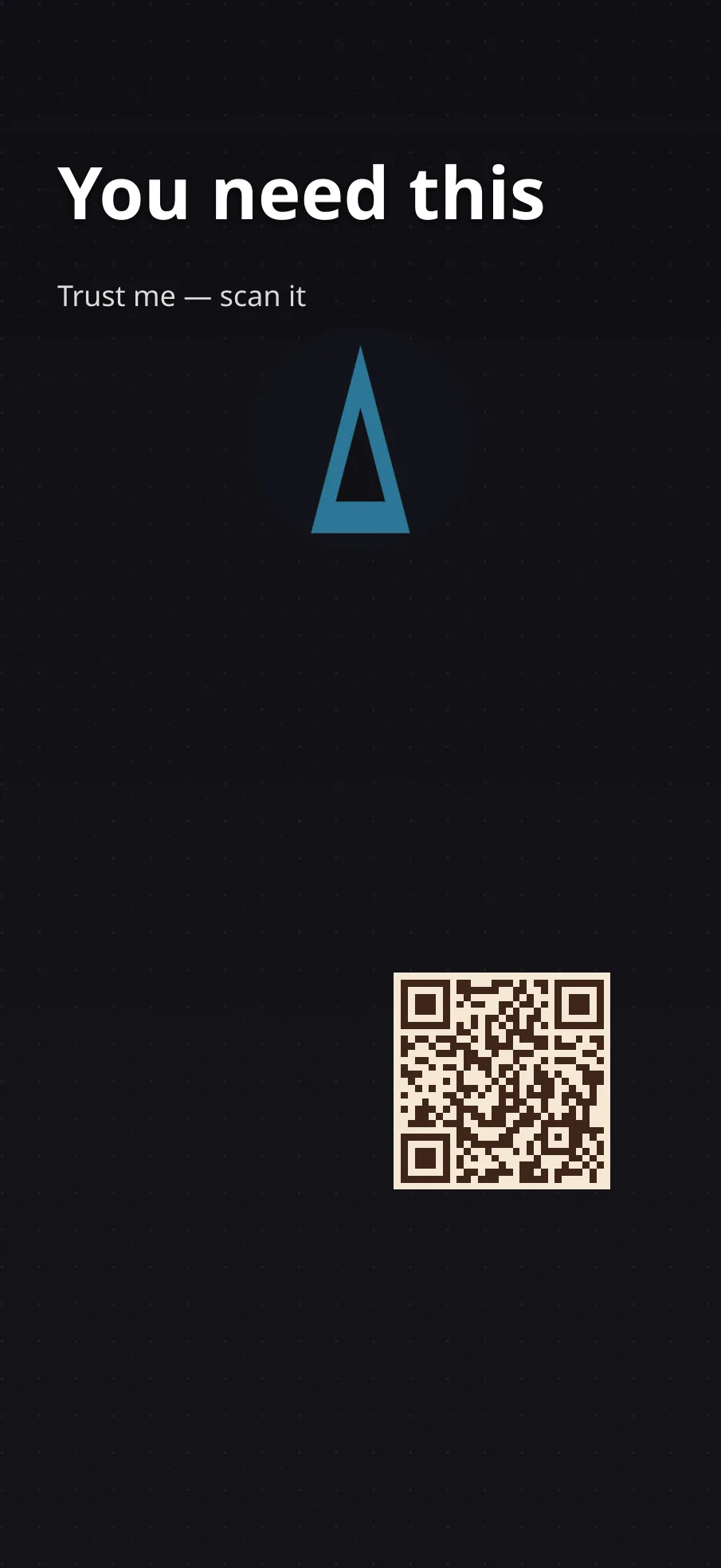
You pick the URL. We turn it into a wallpaper with a scannable QR code baked in. Set it as your lock screen, and anyone can scan it without you unlocking your phone.
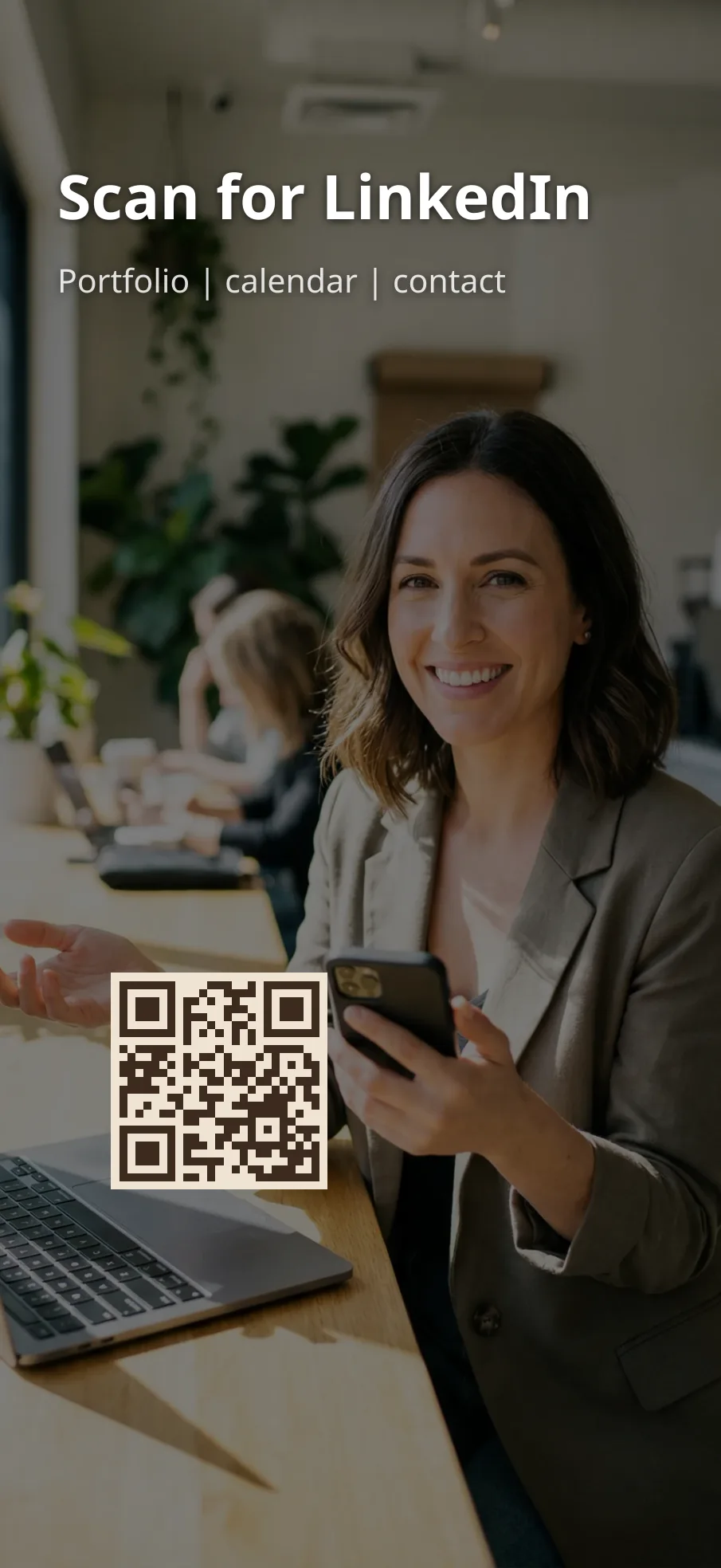
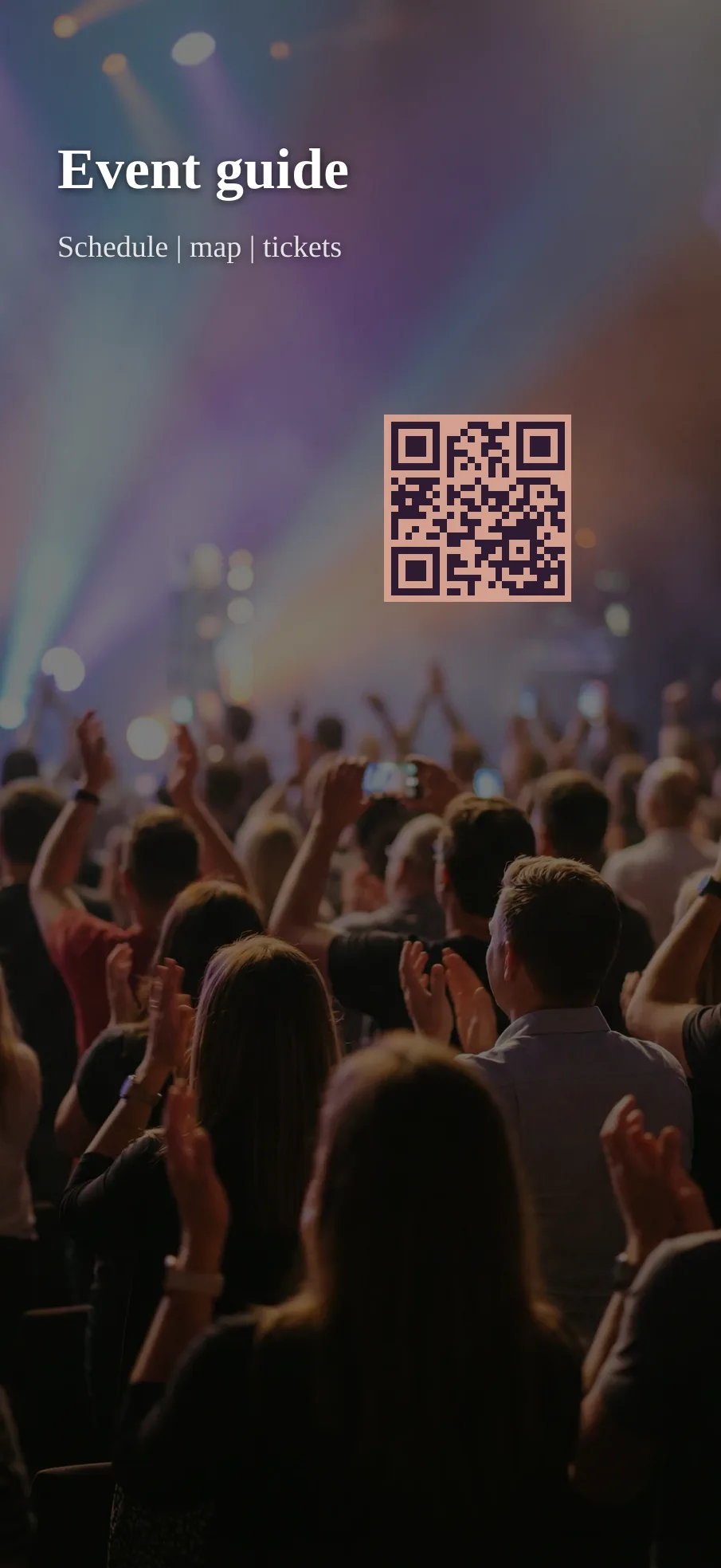
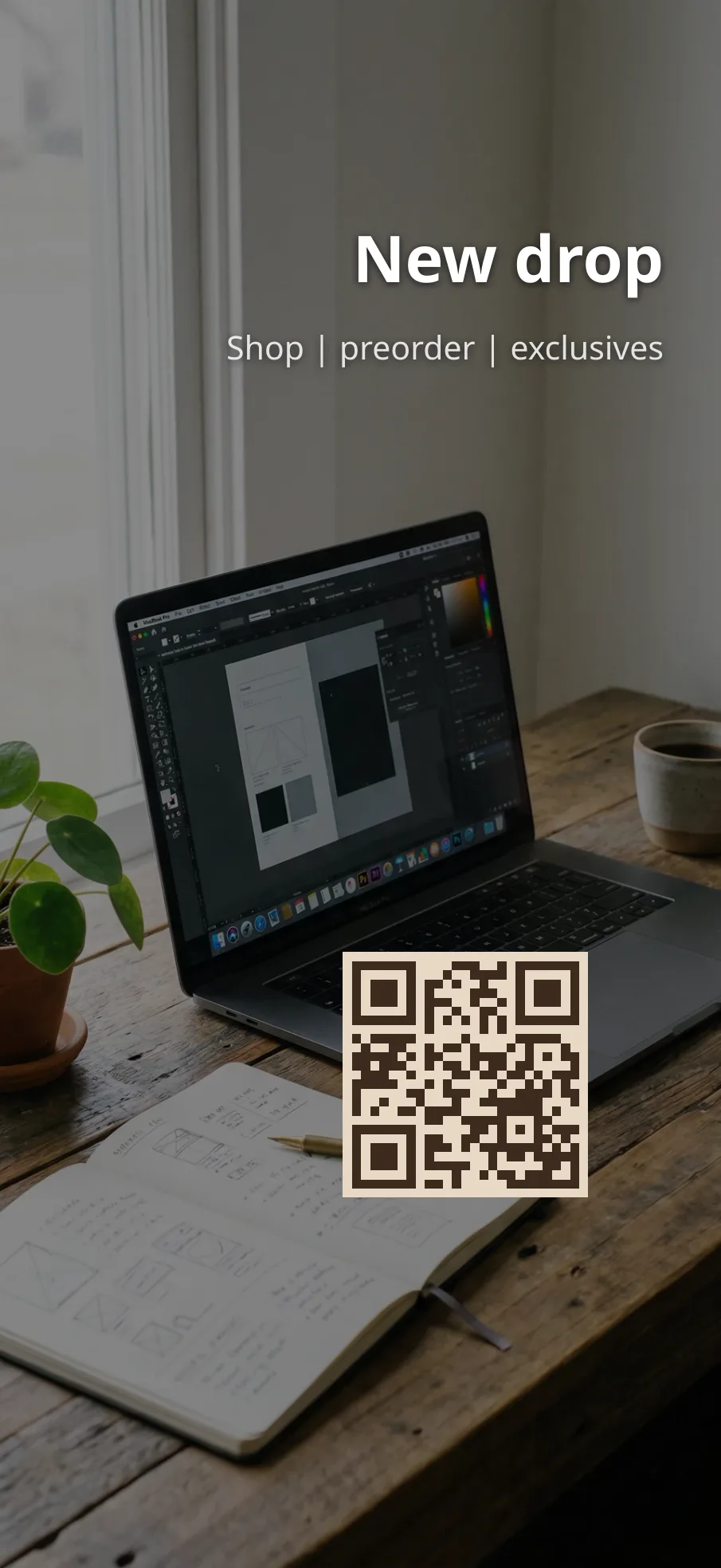
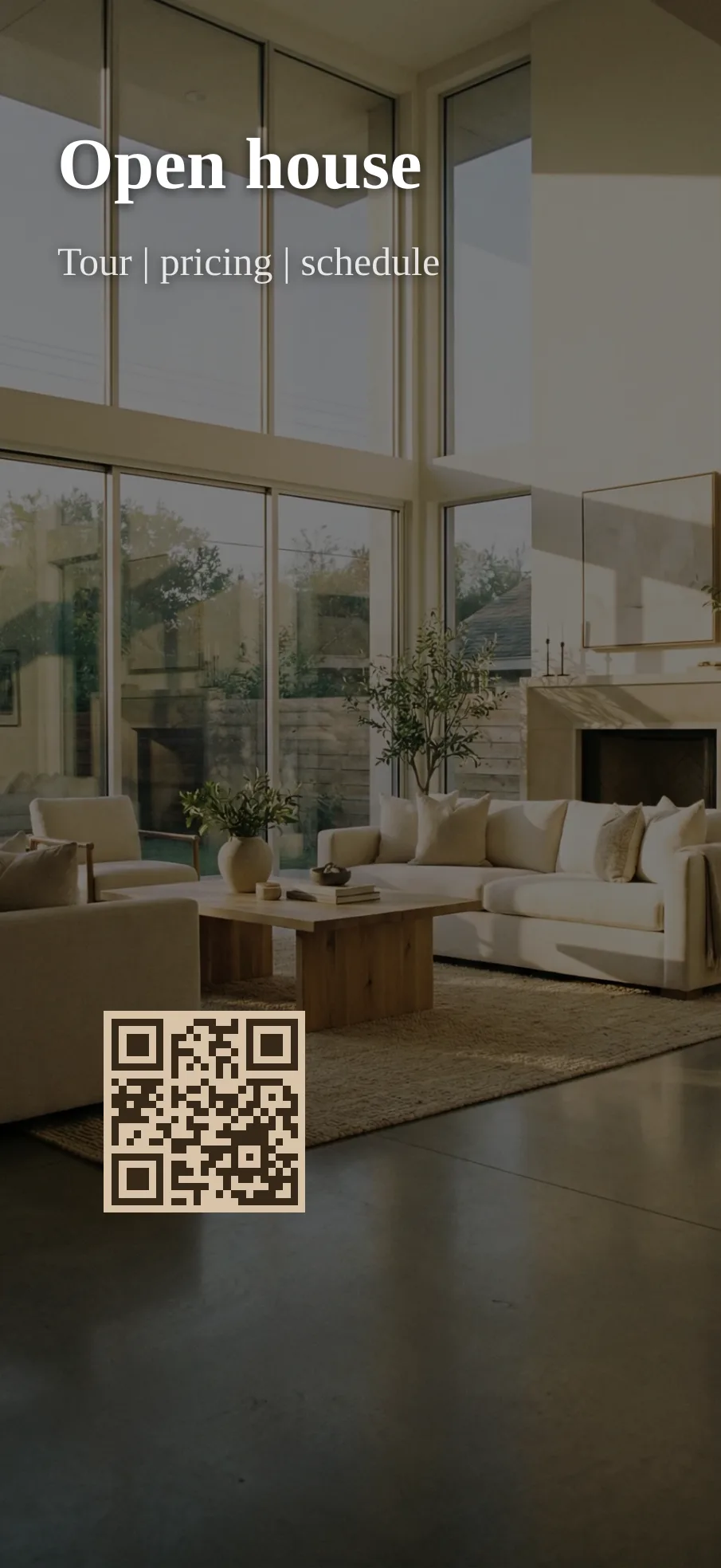
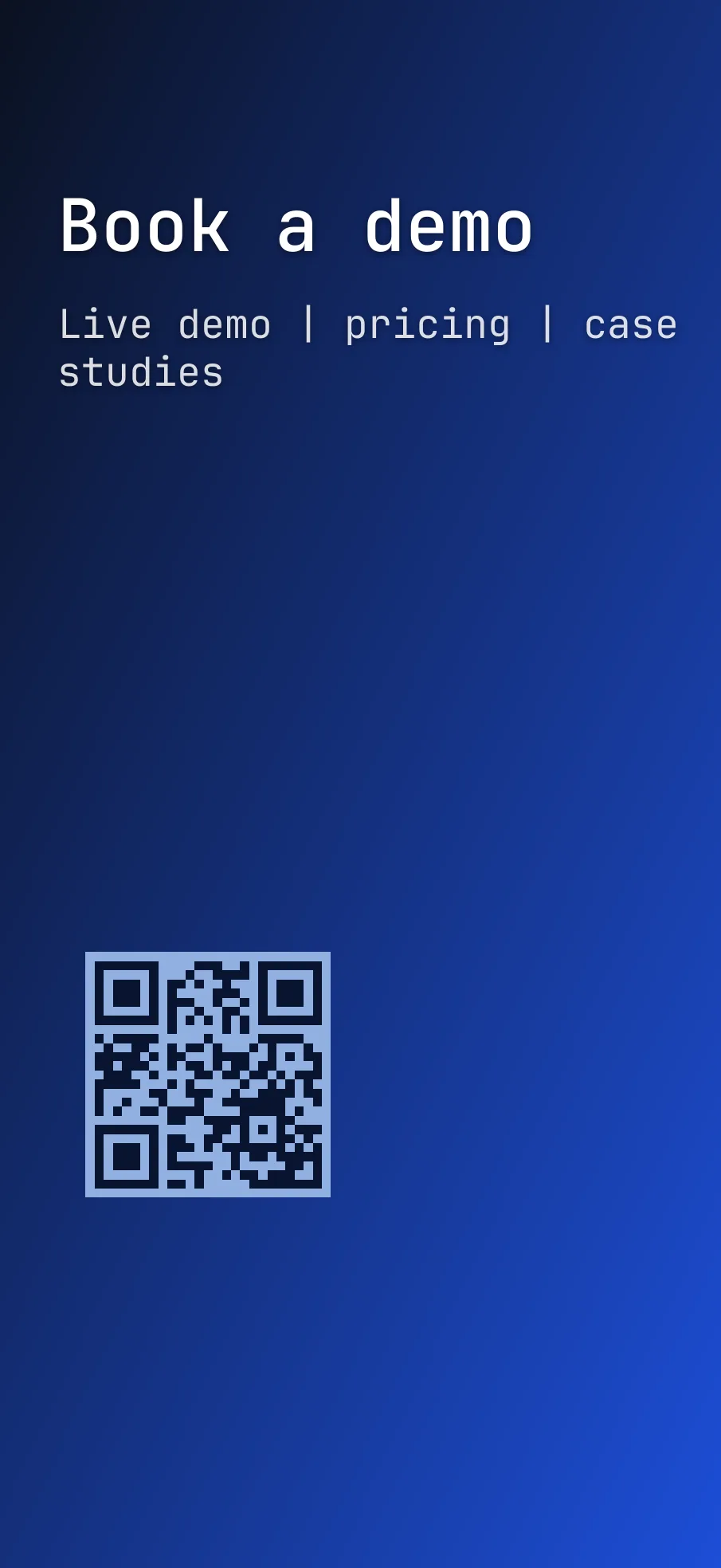
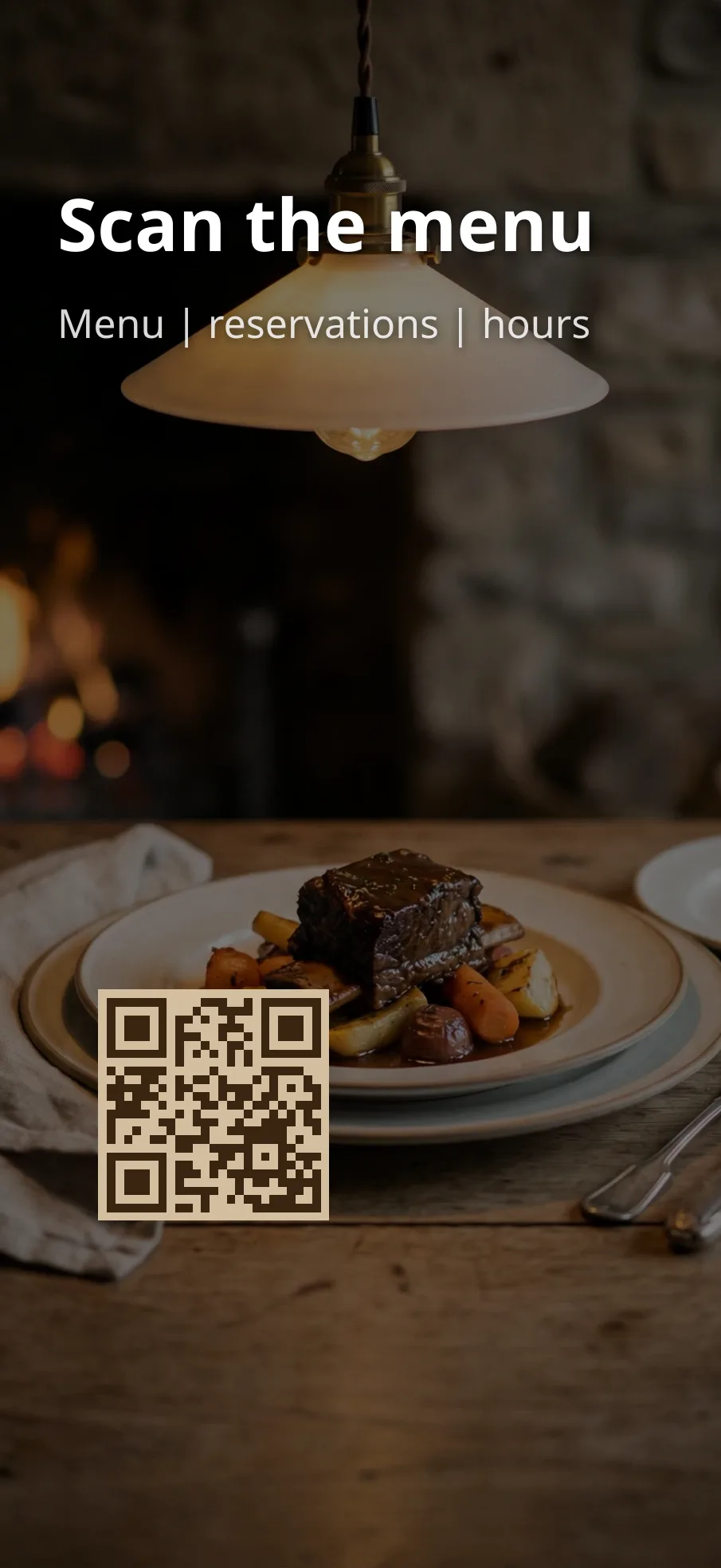
Three steps. Two minutes.
1. Paste your URL
LinkedIn, Calendly, your website — whatever you want people to open. Pick a background and colors.
2. Pay $5
One-time purchase through Stripe. No account, no subscription.
3. Set it as your wallpaper
Download the image, go to Settings, set it as your lock screen. That’s it.
No app. No unlock. No hassle.
Your lock screen is already showing
It's the one screen people see without you doing anything. No unlocking, no app switching, no fumbling.
QR codes just work
Every phone camera made in the last 5 years scans QR codes natively. No special app needed on either end.
Skip the awkward part
You've been chatting, they're interested — now they just point their camera at your phone and they've got your link. No spelling it out, no "let me text you."
People already use this for…
Anywhere you'd normally hand someone a business card, spell out a URL, or say “let me text you the link.”
Referral
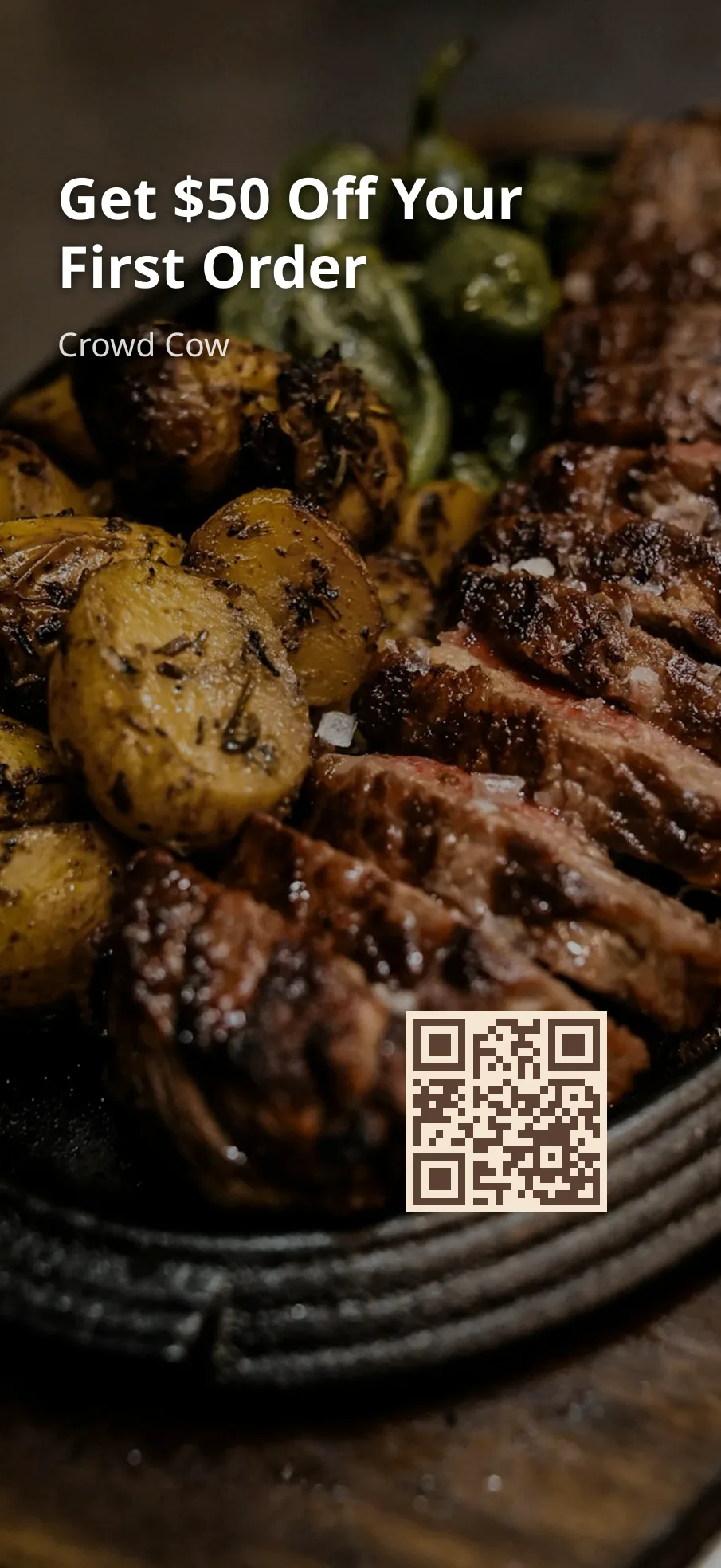
"Get $50 off" is right on your lock screen. Friends scan your code at dinner, on the train, wherever.
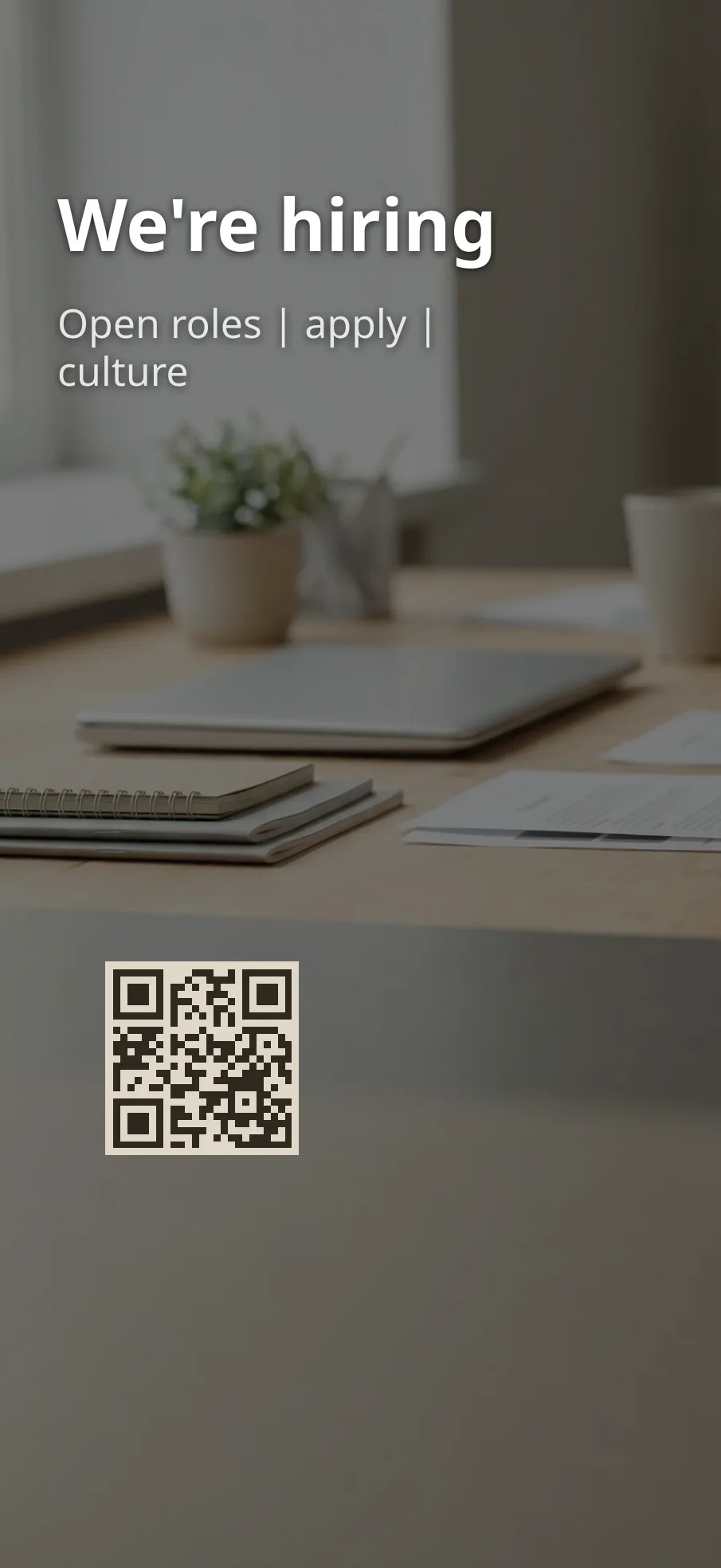
Recruiting
Candidates scan your phone to see open roles instead of collecting a stack of resumes you'll lose.
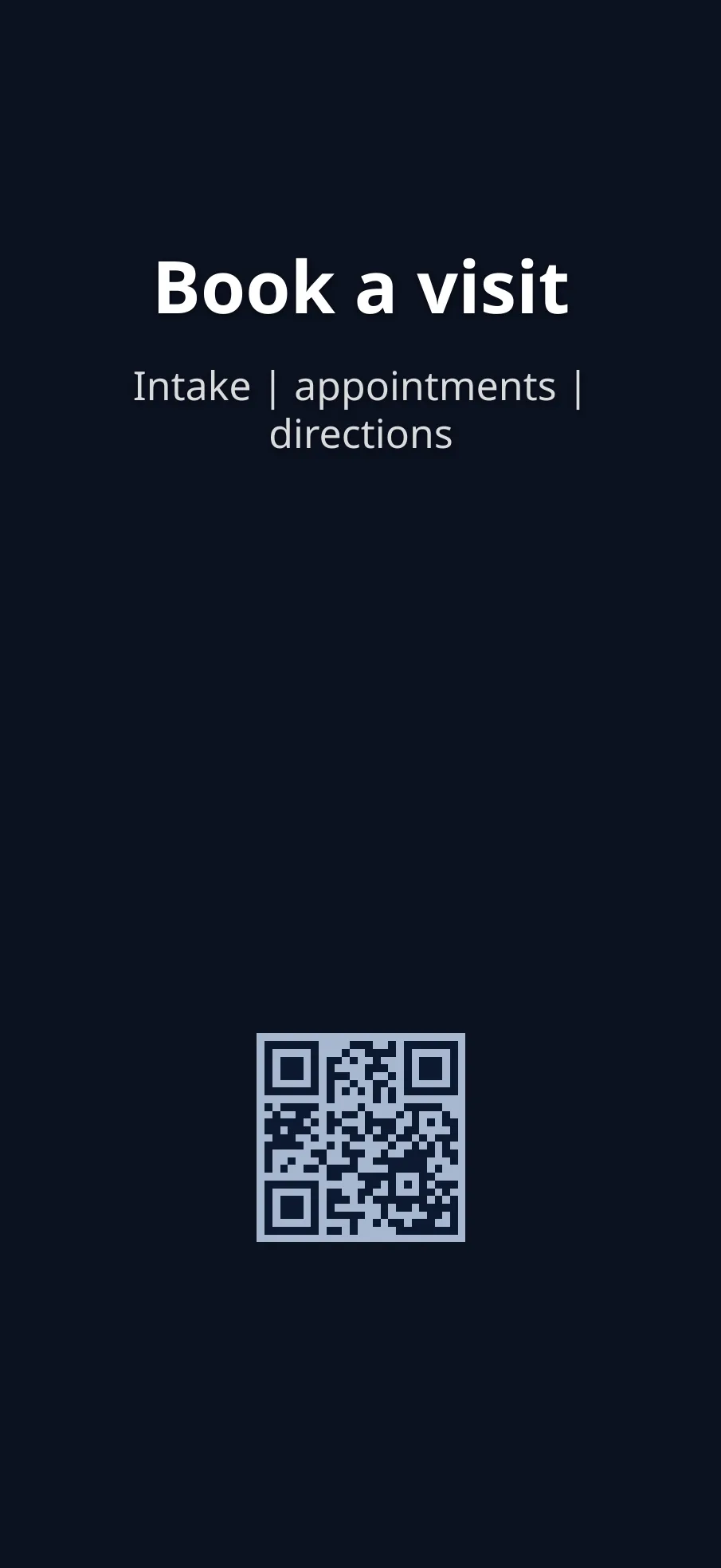
Healthcare
Patients scan to fill out intake forms, book appointments, or get directions to the office.
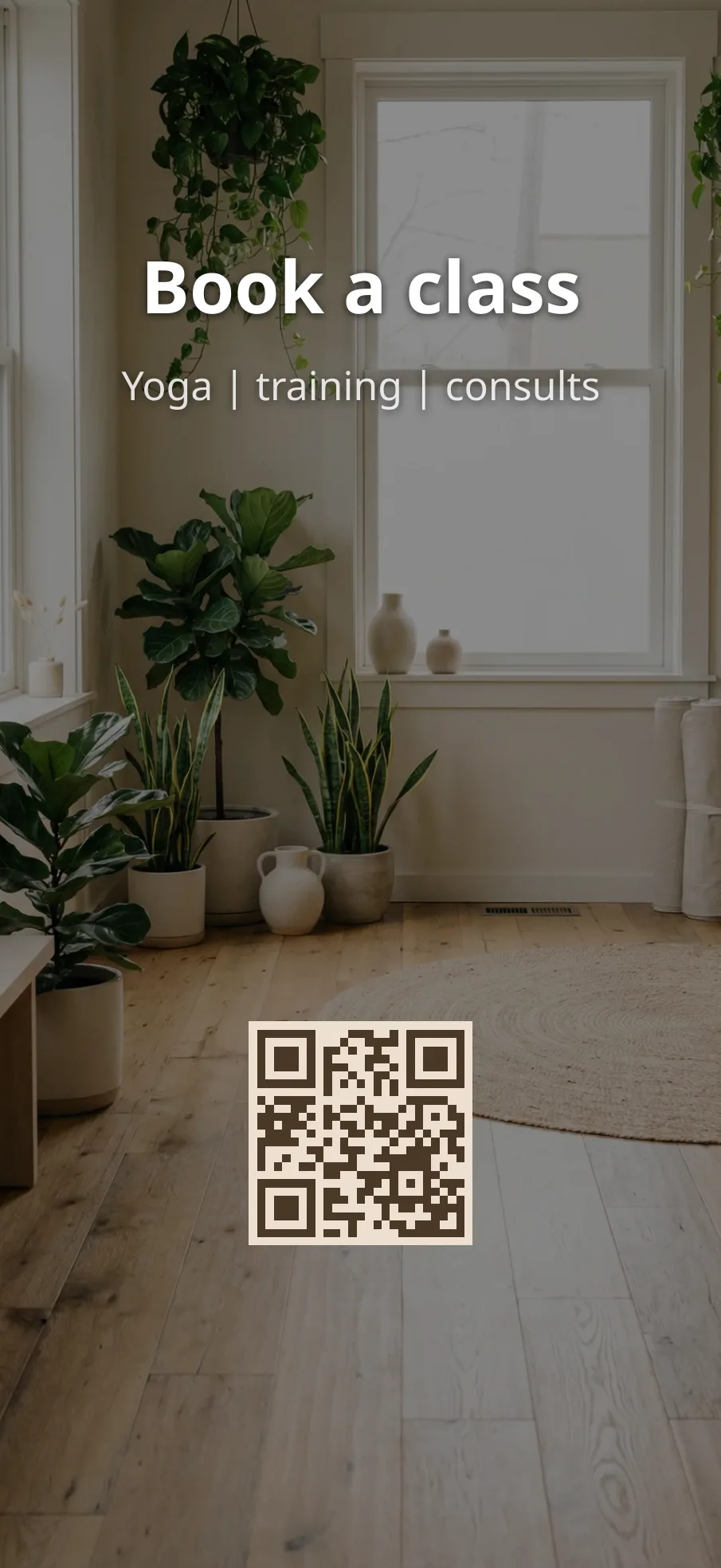
Wellness
Clients scan to book a class or consultation right when they're asking about it.
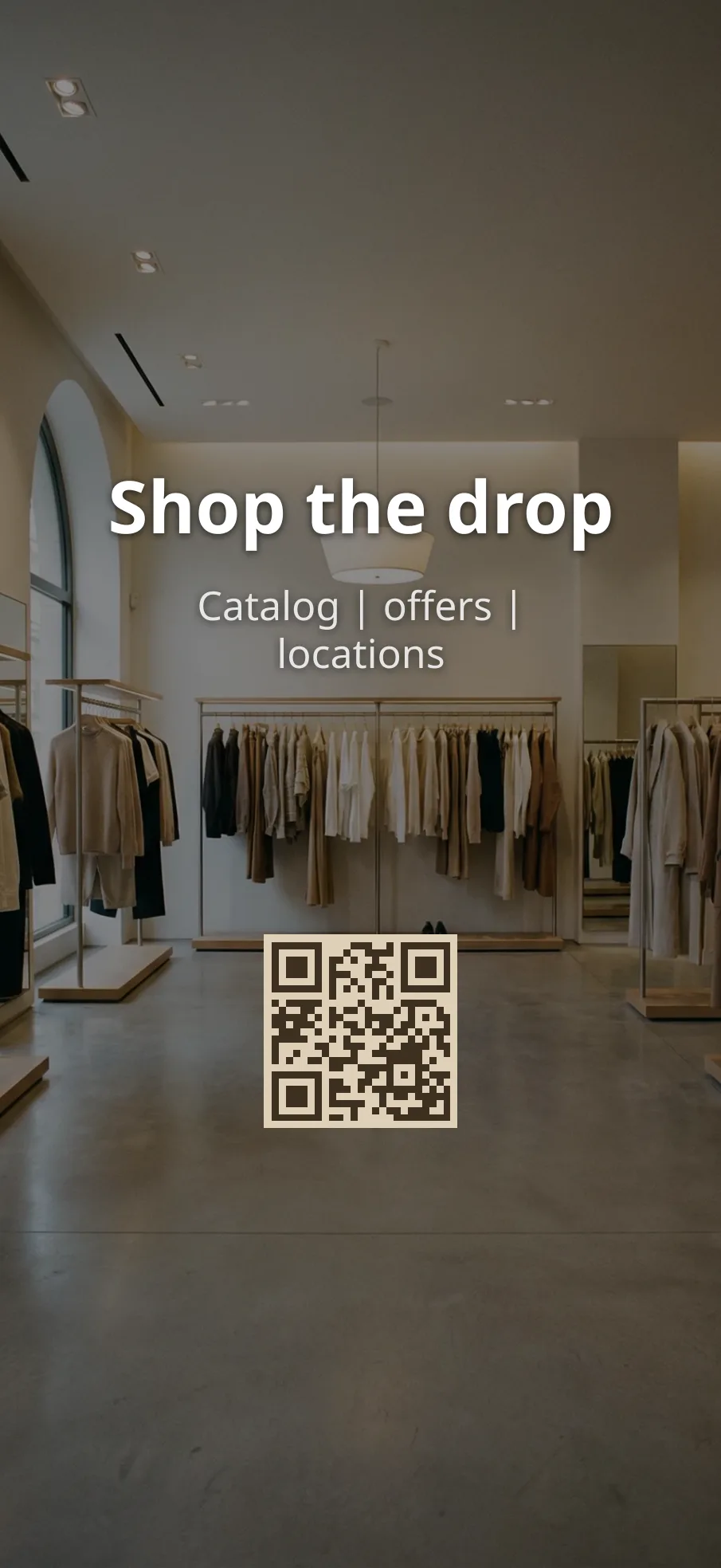
Retail
Shoppers scan to browse your full catalog or grab a promo code on the spot.
Affiliate
Someone asks what you use? Just hold up your phone. They scan, they try it, you both win.
Referral
"Get $50 off" is right on your lock screen. Friends scan your code at dinner, on the train, wherever.
Recruiting
Candidates scan your phone to see open roles instead of collecting a stack of resumes you'll lose.
Healthcare
Patients scan to fill out intake forms, book appointments, or get directions to the office.
Wellness
Clients scan to book a class or consultation right when they're asking about it.
Retail
Shoppers scan to browse your full catalog or grab a promo code on the spot.
Affiliate
Someone asks what you use? Just hold up your phone. They scan, they try it, you both win.
$5. That's it.
One wallpaper, one payment. No account, no subscription. Less than a pack of business cards — and you'll never run out.
- • Sized to fit your exact phone model
- • Solid color, gradient, or your own photo
- • QR code that scans reliably, even in sunlight
- • Download right after checkout
Running a referral program or managing a team?
Let your customers, agents, or affiliates share their personal link from their lock screen.
Common questions
Will the QR code work without unlocking?
Yes. The wallpaper sits on your lock screen, so anyone can scan it while your phone is locked.
Do I need an account?
Nope. Design the wallpaper, pay once, and download it. No sign-up.
Can I change it later?
Each purchase is one wallpaper. Want a different link or look? Just make a new one.
Does this work on iPhone and Android?
Yes. We have presets for iPhones, Pixels, and Galaxy phones so the wallpaper fits your screen exactly.
What URL should I use?
Anything you’d normally share in person — your LinkedIn, Calendly, website, portfolio, menu, or a link tree. If it opens in a browser, it works.
Can I use my own photo as the background?
Yes. Upload any image and we’ll fit it to your phone’s screen with the QR code overlaid.
Try it — it takes 2 minutes.
Paste a URL, pick a style, and download your lock screen wallpaper.